Play & pause in-game
Skip tracks without Alt+Tab.
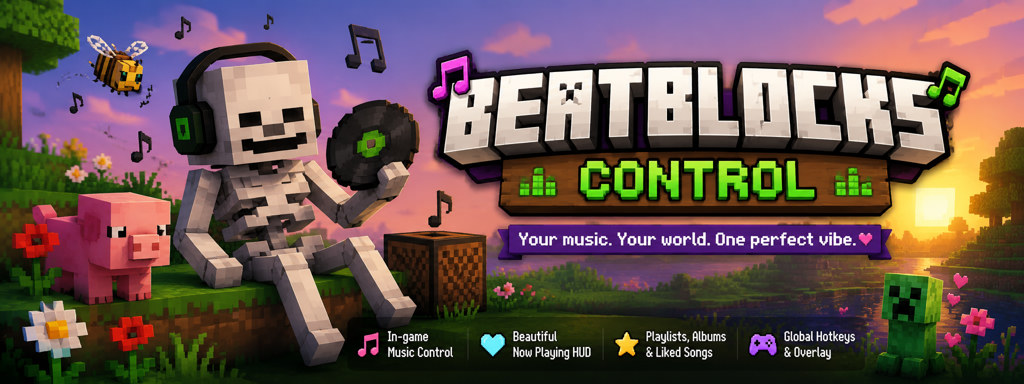

Control Spotify from inside Minecraft — without leaving your world.
A Minecraft mod that shows Spotify on your screen and lets you skip songs with hotkeys, using a small helper on your PC (not the cloud).
beatblocks-api.js from the repoSkip tracks without Alt+Tab.
See song, artist, and album art.
Playlists, albums, and queue.
Default: Alt+I menu, J/K/L transport.
Install Spicetify, copy beatblocks-api.js to the Extensions folder, run spicetify apply, then restart Spotify.
Download the JAR that exactly matches your Minecraft version. Put it in mods/ with Fabric API.
Start a song in Spotify, launch Minecraft, press Alt+I to open the overlay (or type /sp).
Pick the file that matches your Minecraft version exactly — for example beatblocks-control-mc-1.21.5.jar for Minecraft 1.21.5.
The mod only talks to your own computer (127.0.0.1). No accounts or passwords are stored in Minecraft. Read more
Optional — helps fund future updates and a simpler Spotify setup.